Between appointments
Noticing you’re running low between patients? Order what you need right from your phone before the next one walks in.
Everything you need,
right in your pocket.
Everything you need,
right in your pocket.
Order and track your items from anywhere.
Order and track your items from anywhere.
Noticing you’re running low between patients? Order what you need right from your phone before the next one walks in.
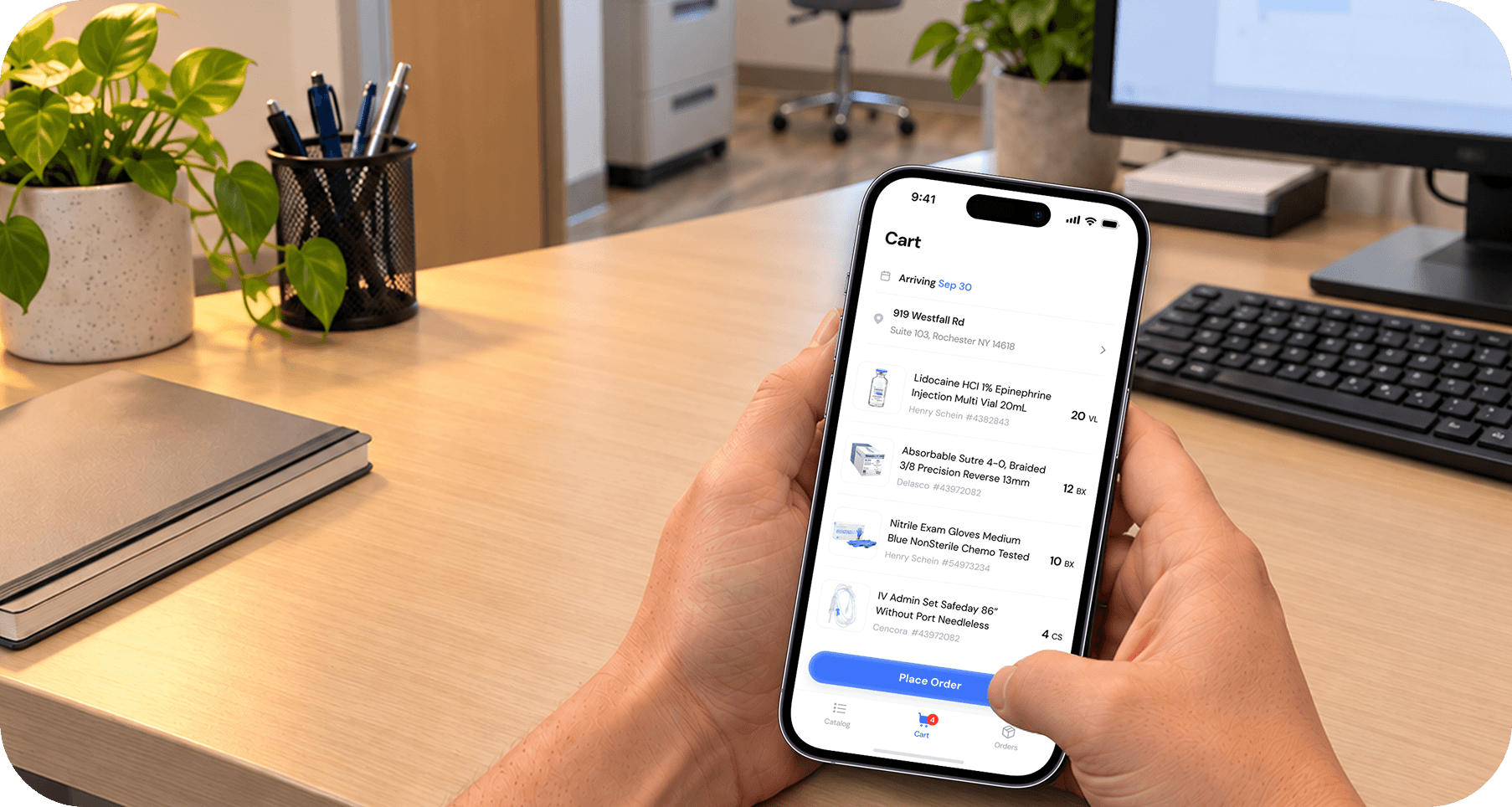
In the supply room and spot something out of stock? Order it on the spot before you forget.
Just think of something that needs restocking? Open the app and add it to your order—wherever you are.
Everything you need from your linked vendors, at your fingertips.













01
Add it.
Add everything you need in a tap.
Add everything you need in a tap.
02
Order it.
Review your cart and place your order.
Review your cart and place your order.
03
Track it.
See what’s arriving and when.
See what’s arriving and when.


Running low? Just scan to reorder.
Running low? Just scan to reorder.
To get started, sign up and connect your vendors. We’ll then set up your account with the supplies you need. Once everything is ready, you can start using the app.
To get started, sign up and connect your vendors. We’ll then set up your account with the supplies you need. Once everything is ready, you can start using the app.
To get started, sign up and connect your vendors. We’ll then set up your account with the supplies you need. Once everything is ready, you can start using the app.
Lorem ipsum dolor sit amet, consectetur adipiscing elit, sed do eiusmod tempor incididunt ut labore et dolore magna aliqua. Ut enim ad minim veniam, quis nostrud exercitation ullamco laboris nisi ut aliquip ex ea commodo consequat.
Try scanning the barcode again in better lighting or search for the product manually. If the item still doesn’t appear, you can contact your administrator or support team for help.
Yes. When you’re signed in to the same account, your cart and order activity stay synchronized across supported devices.
If your account has access to multiple locations, you can change the delivery address and order accordingly.
Yes. You can sign in with the same Grapevine account on supported phones and iPads, and your activity will remain synchronized.
Not at all! Both the Grapevine web app and mobile app are completely free to use.
Lorem ipsum dolor sit amet, consectetur adipiscing elit, sed do eiusmod tempor incididunt ut labore et dolore magna aliqua. Ut enim ad minim veniam, quis nostrud exercitation ullamco laboris nisi ut aliquip ex ea commodo consequat.
Try scanning the barcode again in better lighting or search for the product manually. If the item still doesn’t appear, you can contact your administrator or support team for help.
Yes. When you’re signed in to the same account, your cart and order activity stay synchronized across supported devices.
If your account has access to multiple locations, you can change the delivery address and order accordingly.
Yes. You can sign in with the same Grapevine account on supported phones and iPads, and your activity will remain synchronized.
Not at all! Both the Grapevine web app and mobile app are completely free to use.
Lorem ipsum dolor sit amet, consectetur adipiscing elit, sed do eiusmod tempor incididunt ut labore et dolore magna aliqua. Ut enim ad minim veniam, quis nostrud exercitation ullamco laboris nisi ut aliquip ex ea commodo consequat.
Try scanning the barcode again in better lighting or search for the product manually. If the item still doesn’t appear, you can contact your administrator or support team for help.
Yes. When you’re signed in to the same account, your cart and order activity stay synchronized across supported devices.
If your account has access to multiple locations, you can change the delivery address and order accordingly.
Yes. You can sign in with the same Grapevine account on supported phones and iPads, and your activity will remain synchronized.
Not at all! Both the Grapevine web app and mobile app are completely free to use.